1. What is Cardify?
⌄
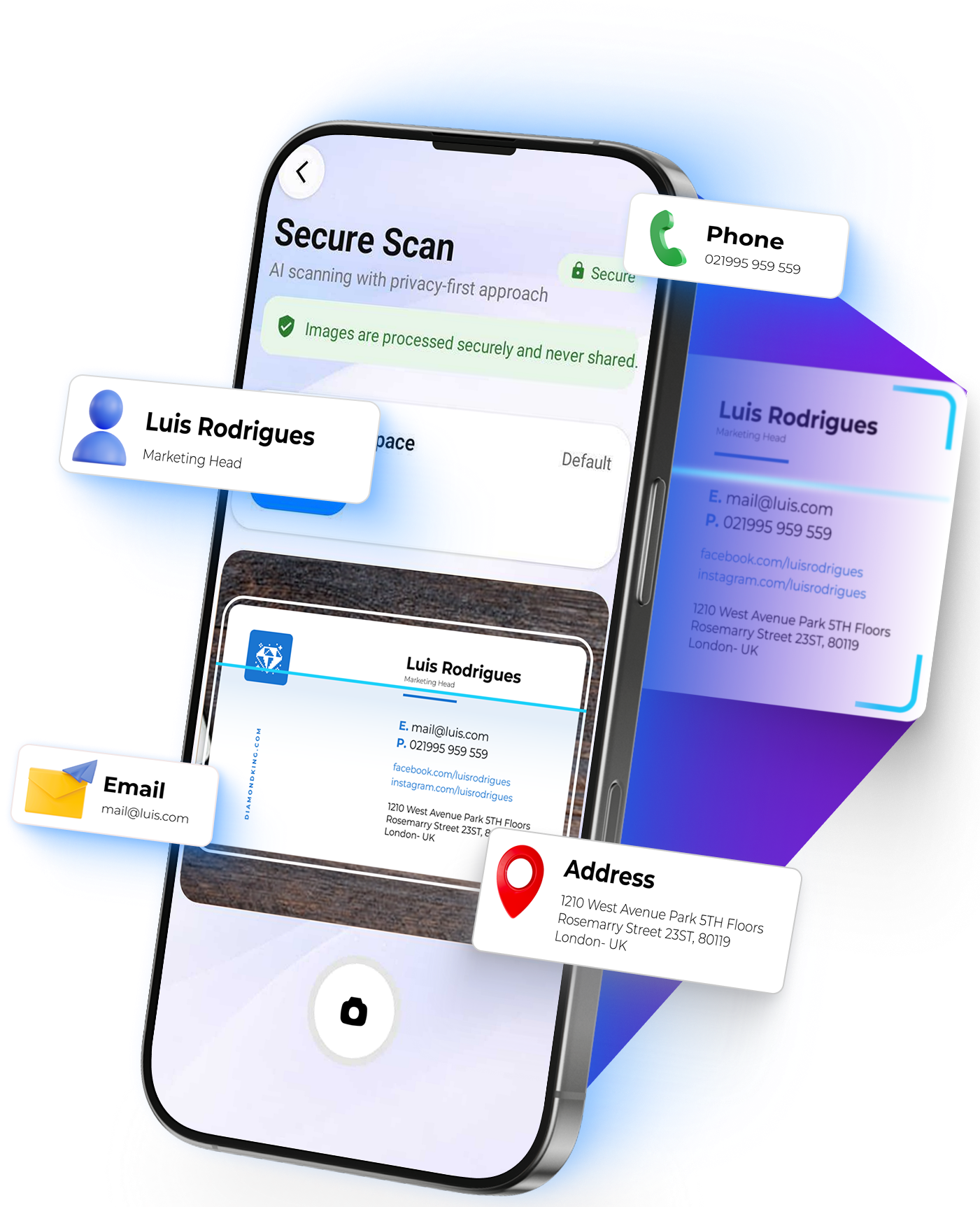
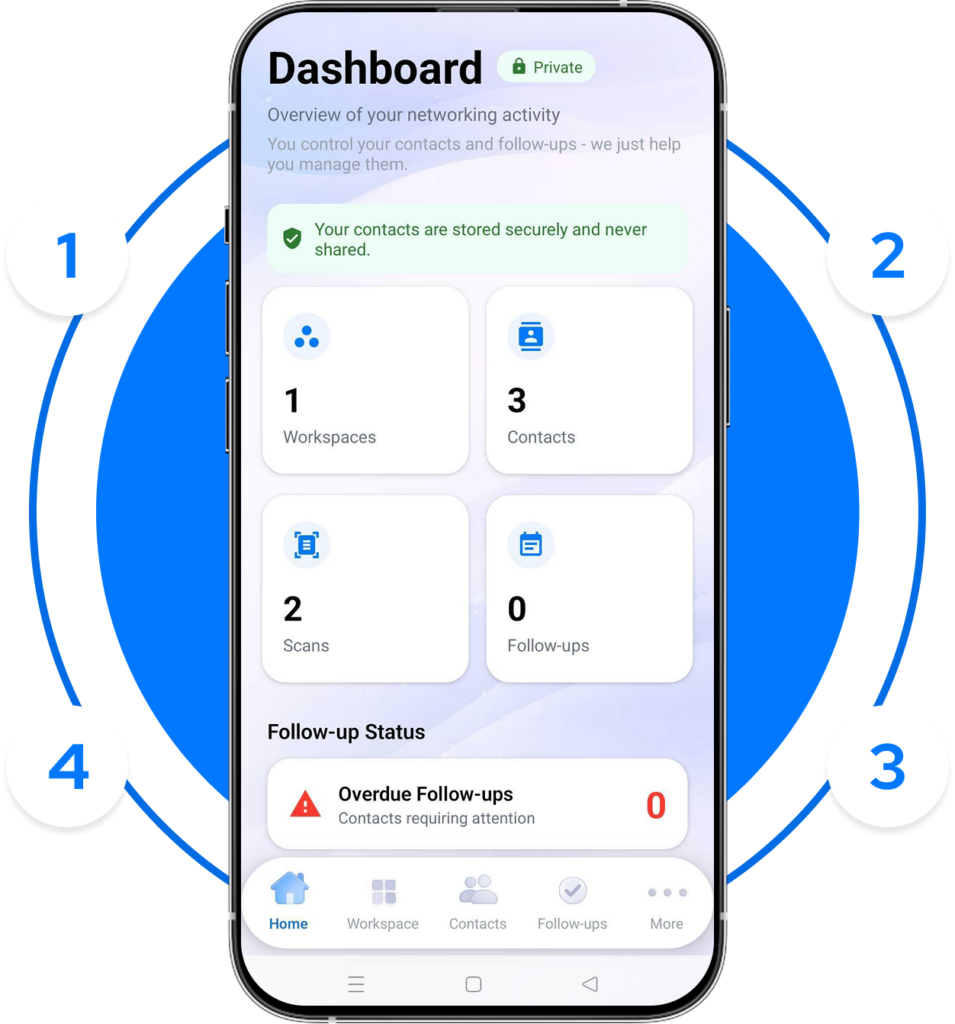
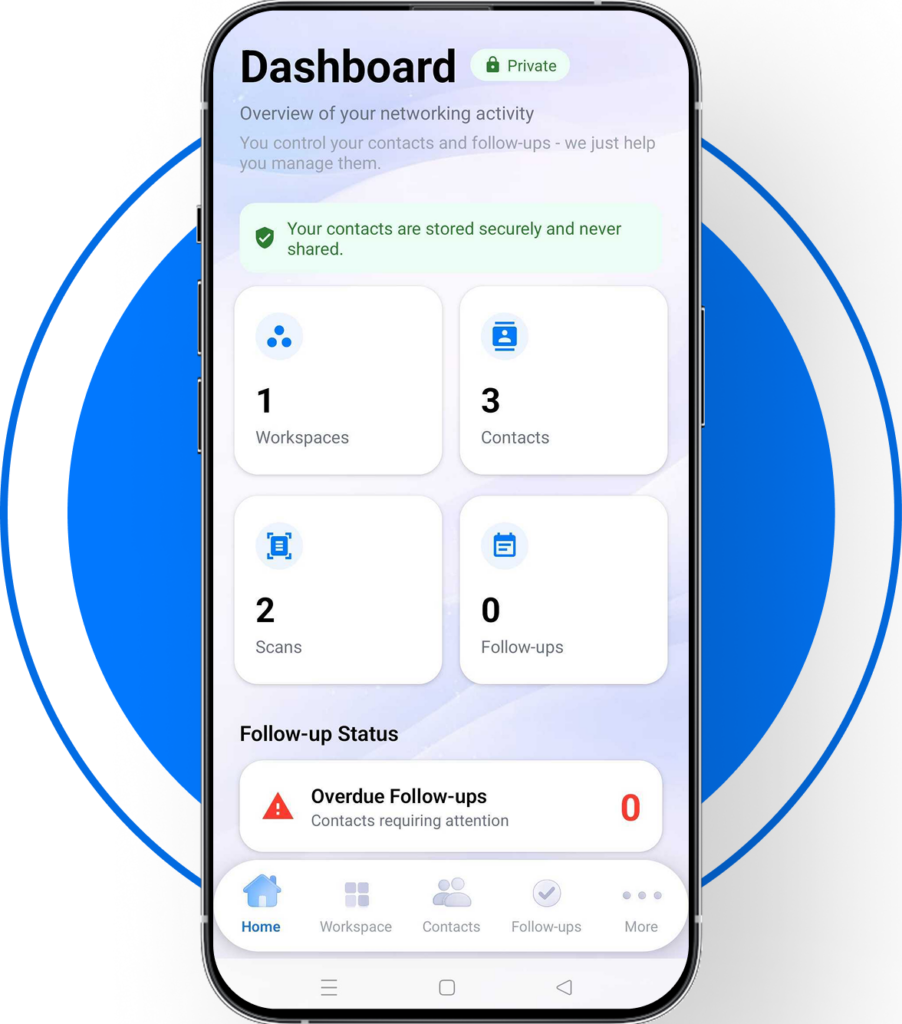
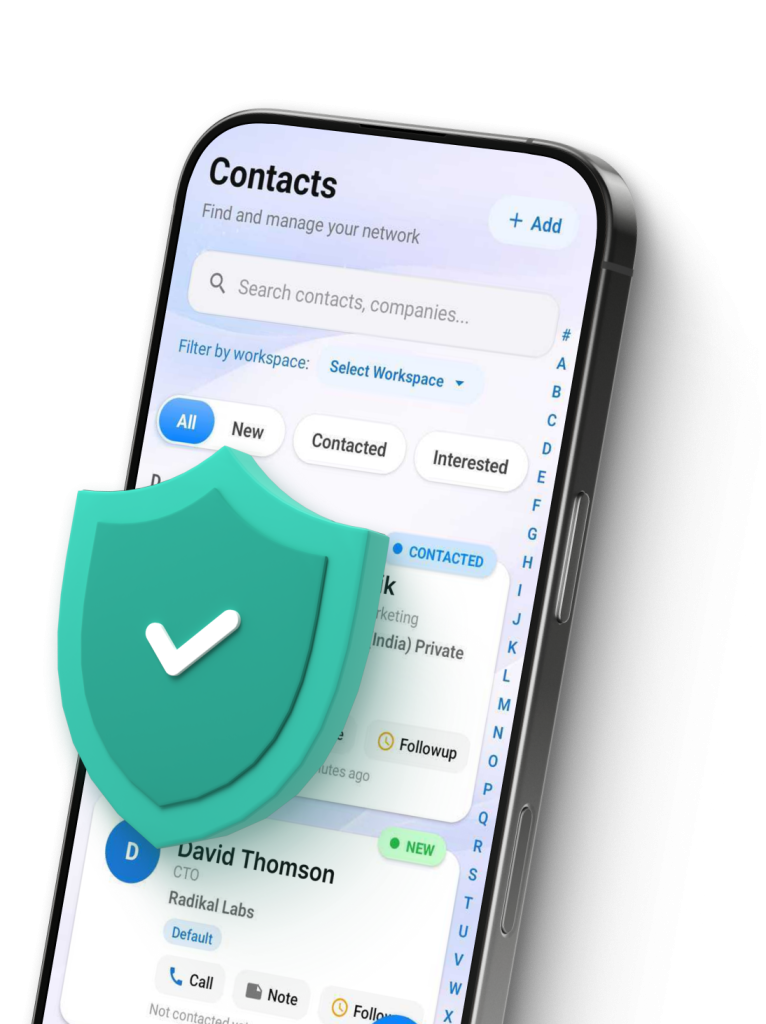
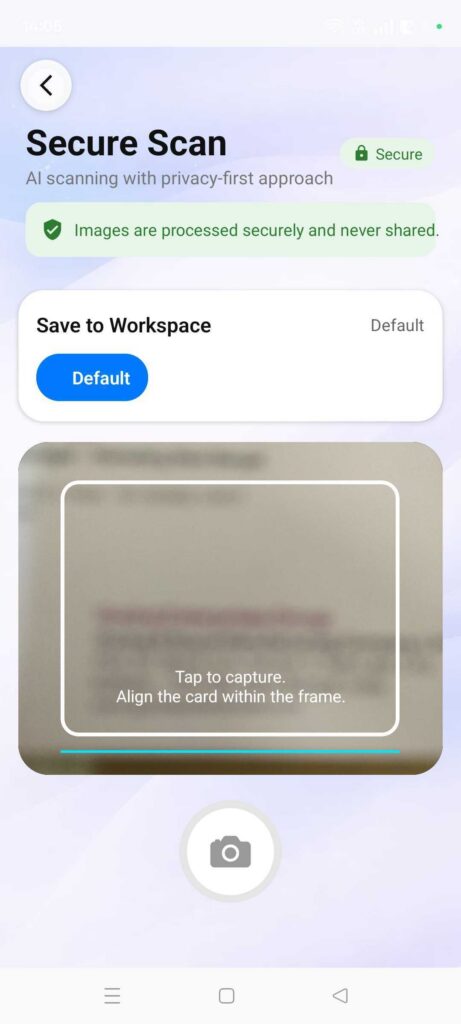
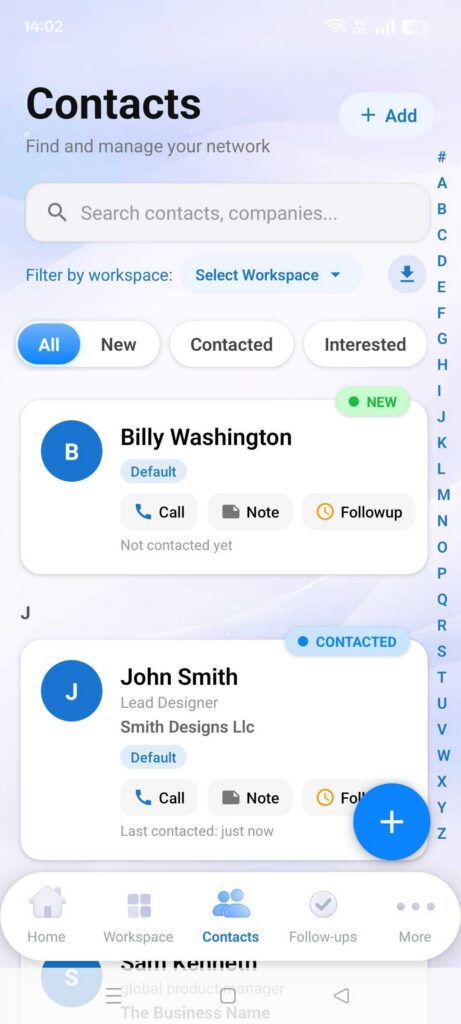
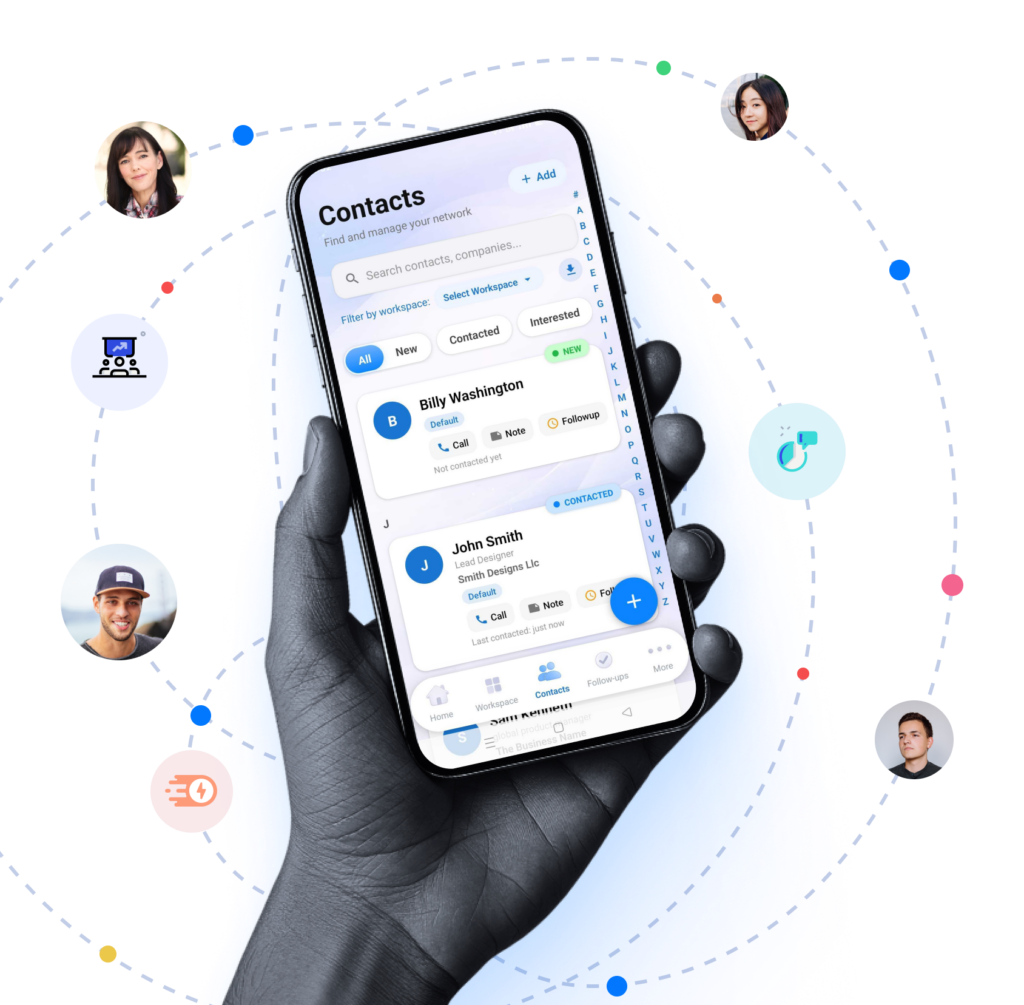
Cardify is a smart digital networking app that turns visiting cards into organized professional contacts.
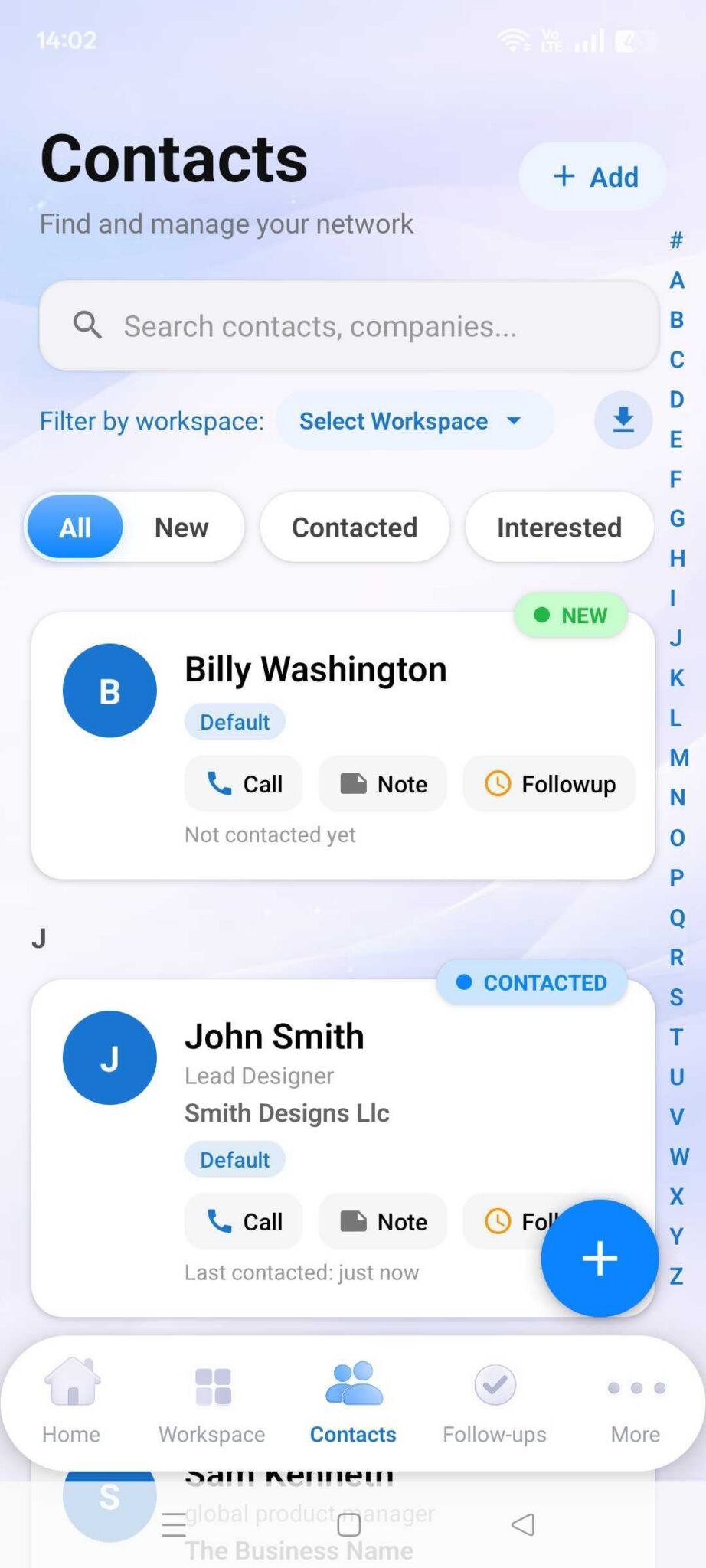
You can scan cards instantly, add notes, set follow-ups, and manage relationships efficiently — while keeping your data private on your own device.
2. How does Cardify scan visiting cards?
⌄
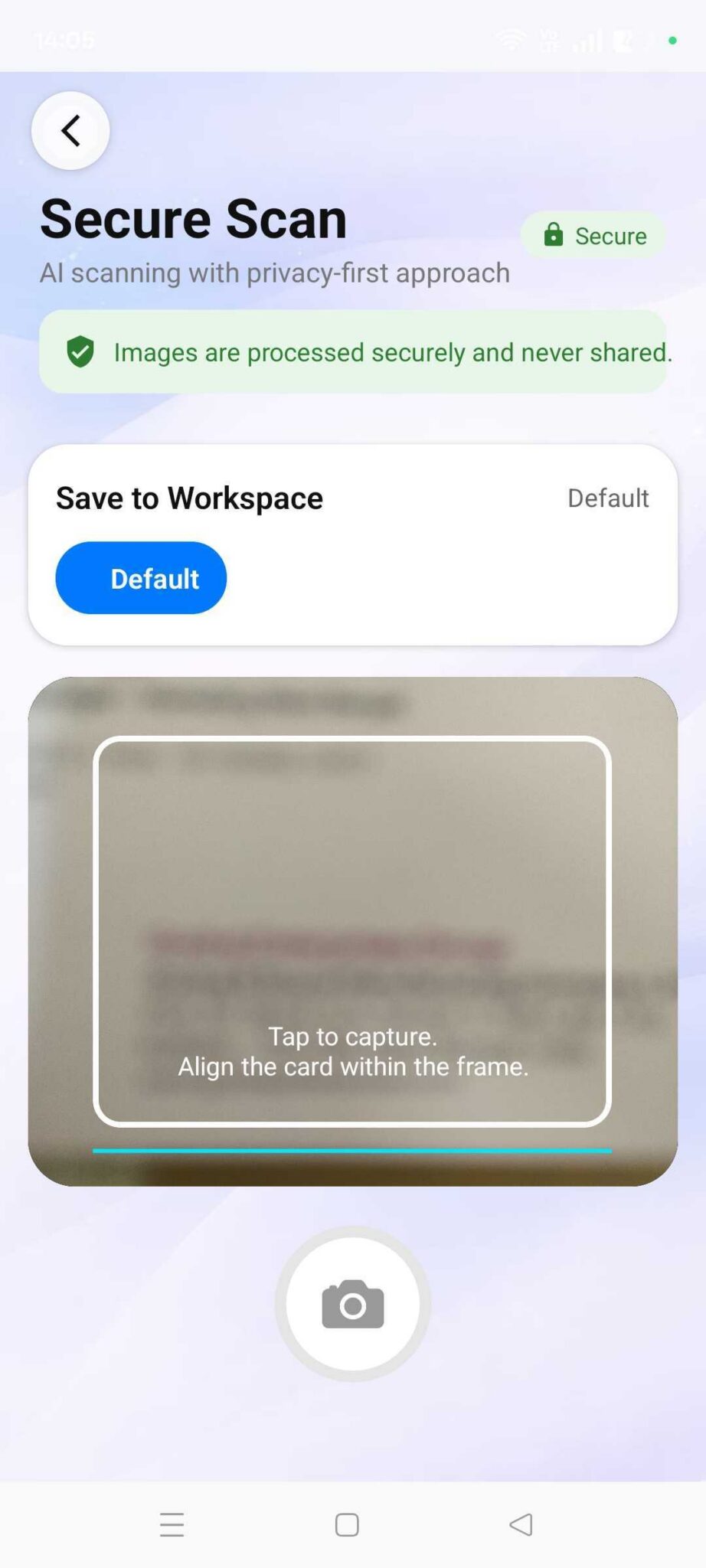
Cardify uses Smart AI OCR technology to automatically read and extract contact details from visiting cards within seconds.
This eliminates manual typing and saves contacts accurately with minimal effort.
3. Does Cardify work without internet?
⌄
Yes. Cardify works fully offline.
You can scan cards, save contacts, add notes, and manage follow-ups anytime — even without an internet connection
4. Is my data stored on the cloud?
⌄
No. Cardify follows a privacy-first approach.
Your contacts are stored locally on your device and are not shared or uploaded to external servers unless you intentionally enable cloud backup for recovery purposes.
5. Can I call or message contacts directly from Cardify?
⌄
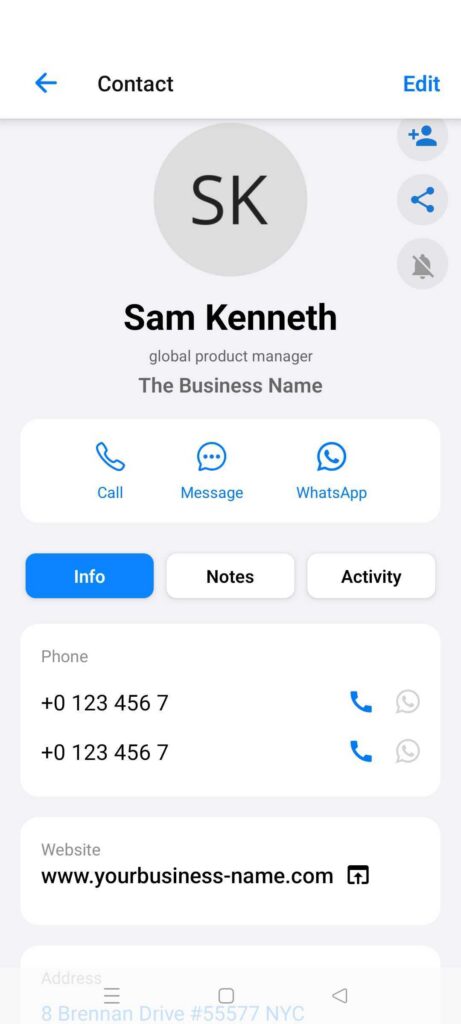
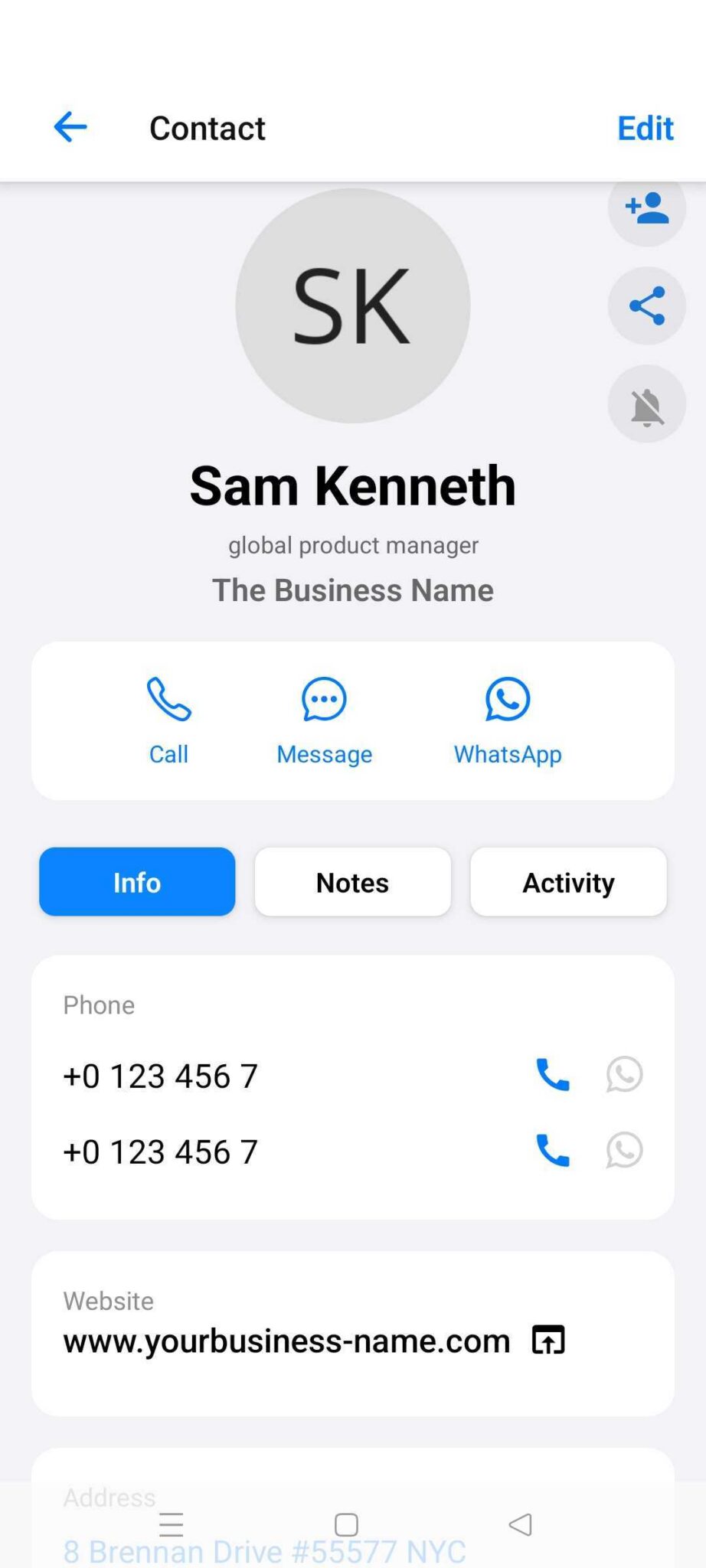
Yes. With one tap, you can open your phone dialer, WhatsApp, or email using the saved contact details — helping you reconnect instantly without switching between apps.
6. What are Smart Follow-Up Reminders?
⌄
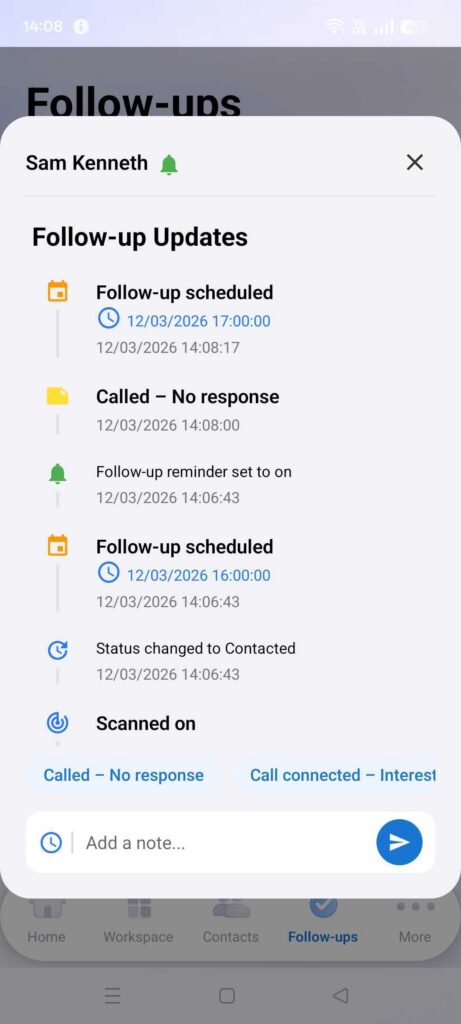
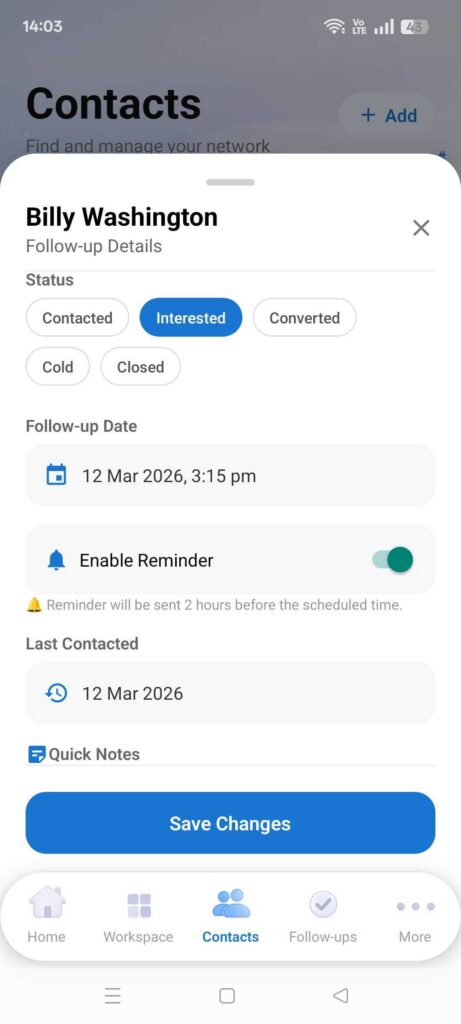
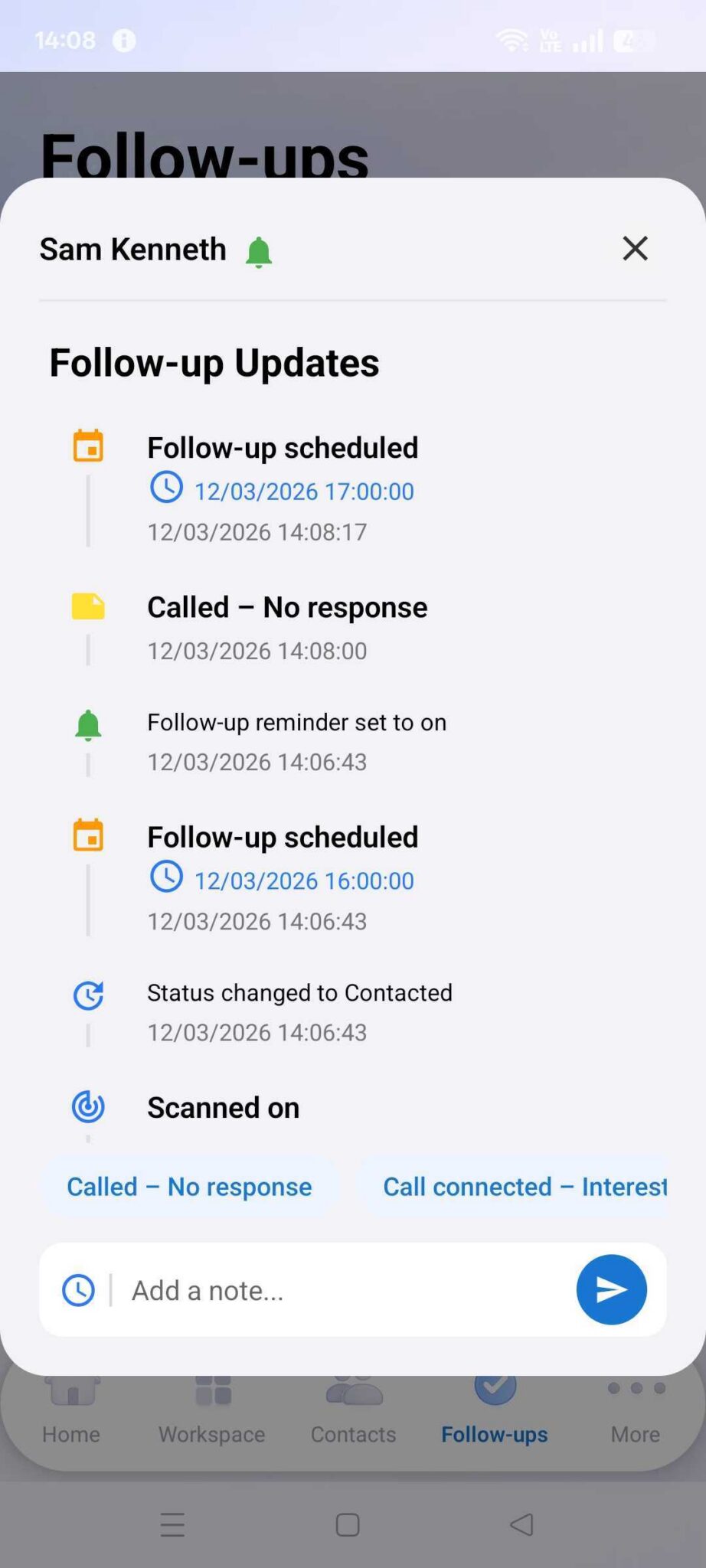
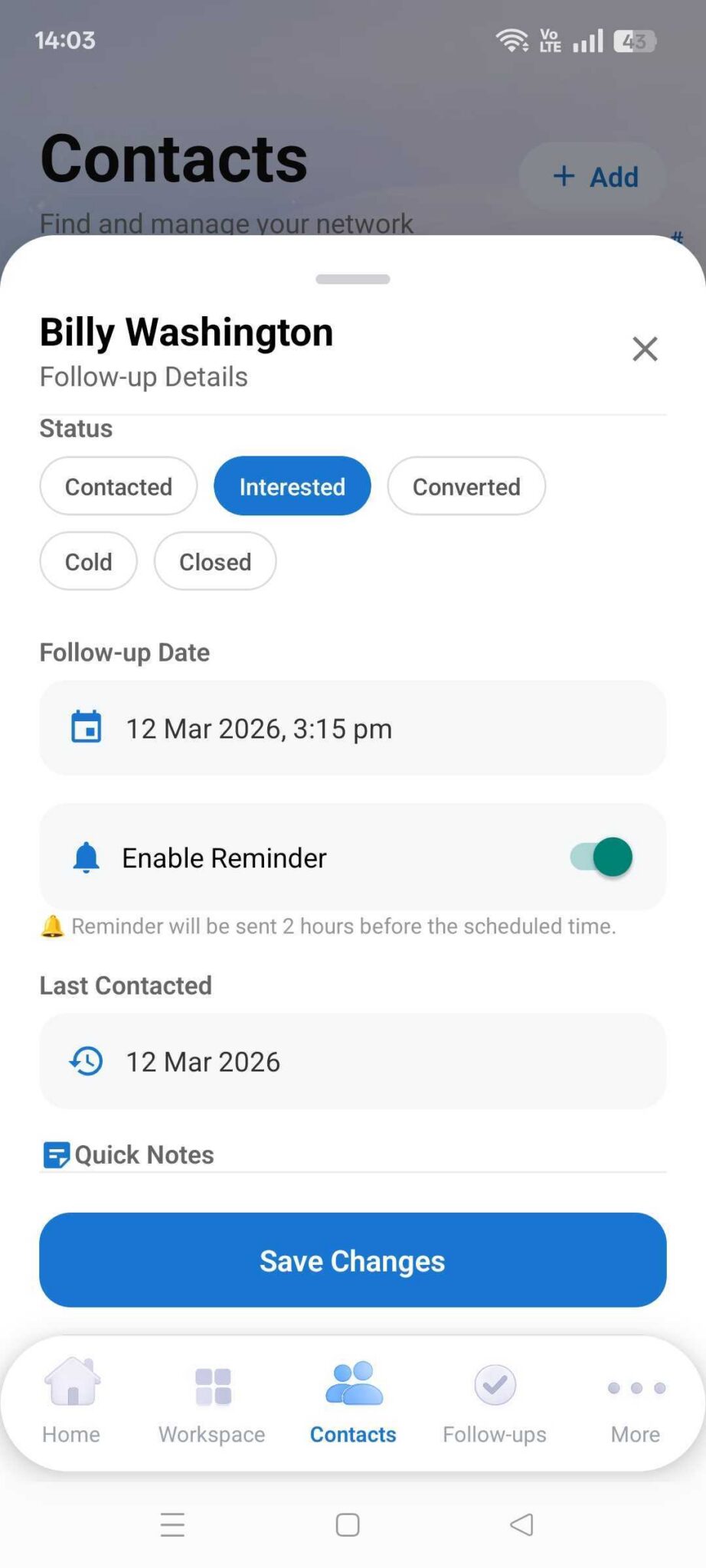
Smart Follow-Up Reminders notify you when it’s time to reconnect with a contact, ensuring you never miss important leads, meetings, or opportunities.
7. Can I add notes after scanning a card?
⌄
Yes. You can: Add text notes • Record audio notes with auto-transcript • Use voice commands to add context • Set follow-up date, time, and reminders directly while recording notes • This helps you remember conversations and next actions effortlessly.
8. Can I export my contacts anytime?
⌄
Yes. Your contacts always remain yours.
You can export workspace-wise contacts as Excel files anytime (available in the Professional plan).
9. Is Cardify free to use?
⌄
Yes. Cardify offers core networking features for free under the Starter plan, allowing you to begin digitizing and managing contacts immediately.
10. Do I need a credit card to start?
⌄
No credit card is required.
You can start free and even try a 30-day Professional trial. After the trial, upgrading is optional and can be done manually from within the app.
11. Can teams use Cardify together?
⌄
Yes. The Teams plan enables organizations to share contacts, assign follow-ups, and collaborate through a shared workspace for better networking coordination.
12. Will my contacts remain safe if I change plans?
⌄
Yes. Your existing contacts remain completely safe.
Upgrading or changing plans only unlocks additional features and limits — your data is never affected.
13. Is Cardify available on iPhone?
⌄
Currently, Cardify is available on Android.
iOS support is planned for future updates.