How to Organize Business Cards Digitally
Turn stacks of visiting cards into a searchable digital contact database and stay organized no matter how many events you attend.
The Problem with Physical Cards
Physical business cards fade, get misplaced, and offer zero search functionality. When you need to find “that fintech guy from the Berlin conference,” your card stack won’t help you.
Building Your Digital Contact System
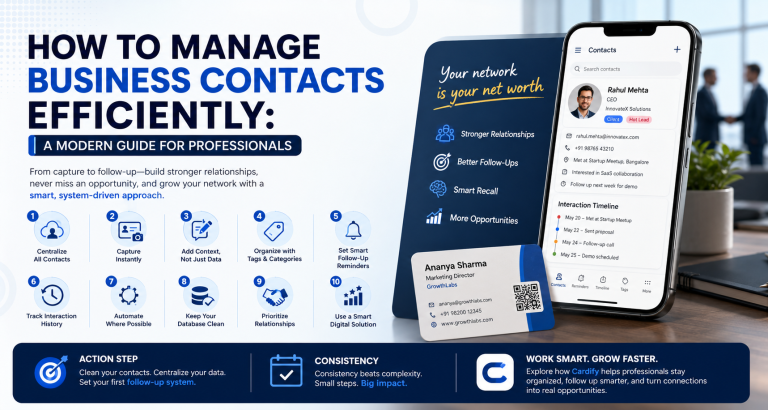
The key is consistency. Choose a single tool as your source of truth — whether that’s your CRM, Google Contacts, or a dedicated networking app — and route every new contact there.
Tag and Categorize Everything
Use tags like “event:summit2024”, “industry:fintech”, or “status:warm-lead” to create instant filter views. Good tagging takes 30 seconds per contact but saves hours when you’re building targeted outreach lists.
Set Up Duplicate Detection
Most CRMs will warn you when a contact already exists. Accept these merges. Duplicate contacts are one of the biggest sources of confusion in lead management.
Review Monthly
Schedule a 30-minute monthly review to archive cold contacts, update job titles (people change roles), and flag high-priority leads for personal outreach.
A clean contact database is a competitive advantage. The professionals who win are the ones who remember everyone.